
Convert RTF to SRT
Learn how to convert RTF files to SRT format for video subtitles.
Convert RTF files online
We don’t have a dedicated online converter for RTF to SRT yet, but you can convert RTF files online to these and more formats:
How to convert rtf to srt file
- Video subtitles
- No ratings yet.
RTF and SRT file formats
RTF (Rich Text Format) is a text file format developed by Microsoft. It is used to exchange documents between different word processors and systems. RTF files can contain text formatting, such as bold and italics, images, and other objects.
SRT (SubRip Text) is a plain text file format for storing subtitles for video content. Each entry in an SRT file includes the subtitle number, the time code for when the subtitle should appear and disappear, and the subtitle text itself.
How to convert RTF to SRT
Converting an RTF file to an SRT file is not a direct conversion, as these formats serve different purposes. However, if you need to extract text from an RTF document and use it as subtitles, you can manually create an SRT file using the extracted text.
Here are the general steps to manually convert RTF text to an SRT file:
- Open the RTF file using a word processor that can read the format, such as Microsoft Word.
- Extract the necessary text that you want to use as subtitles.
- Open a plain text editor like Notepad and format the text according to the SRT file structure:
1
00:00:01,000 --> 00:00:04,000
First subtitle text here.

2
00:00:05,000 --> 00:00:09,000
Second subtitle text here.
Save the file with a .srt extension.
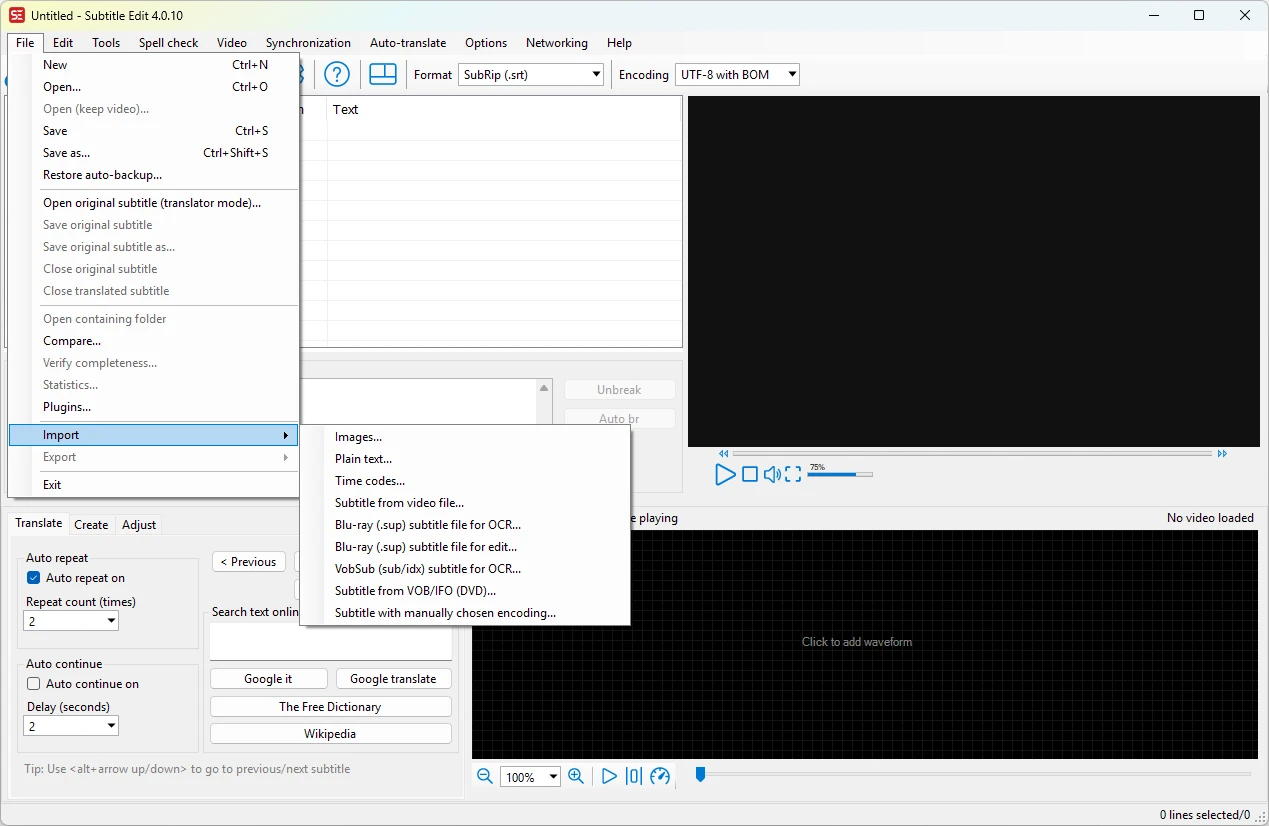
Microsoft Word is highly recommended for editing RTF files. A basic text editor like Notepad (Windows) or TextEdit (Mac) will suffice for creating SRT files. However, advanced subtitle editors like Subtitle Edit are always available, and you can import text files and edit subtitles directly with this tool.
RTF vs SRT: format comparison
How the RTF and SRT formats compare on the properties that matter most for this conversion.
| Property | .RTF Rich Text Format | .SRT SubRip Subtitle |
|---|---|---|
| Open standard | Partly open | Partly open |
| Compression | Uncompressed | Uncompressed |
| Typical file size | Small | Very small |
| Opens in a web browser | No | Partial |
| Further editing | Easy | Easy |
| Metadata support | Basic | Basic |
| Plain-text readable | Yes | Yes |
| Best used for | Editing and post-production | Sharing and distribution |
| Introduced | 1987 | 1997 |
| Developer | Microsoft | Unknown / SubRip community |
| MIME type | application/rtf | application/x-subrip |
Suggested software and links: rtf to srt converters

Additional formats for
rtf file conversion
- rtf to doc
- rtf to xlsx
- rtf to dox
- rtf to docx
- rtf to ris
- rtf to dat
- rtf to word
- rtf to wps
- rtf to eml
- rtf to html
- rtf to abw
- rtf to adoc
- rtf to asc
- rtf to ascii
- rtf to aww
- rtf to azw
- rtf to azw3
- rtf to brh
- rtf to bwd
- rtf to csv
- rtf to db
- rtf to docm
- rtf to dot
- rtf to dotx
- rtf to emf
- rtf to eps
- rtf to epub
- rtf to fb2
- rtf to gdoc
- rtf to inp
- rtf to inpage
- rtf to jpg
- rtf to lit
- rtf to md
- rtf to mht
- rtf to mm
- rtf to mobi
- rtf to mp3
- rtf to mwd
- rtf to odf
- rtf to odm
- rtf to odt
- rtf to org
- rtf to pages
- rtf to pdf
- rtf to png
- rtf to pub
- rtf to pwd
- rtf to pwi
- rtf to rft
- rtf to rst
- rtf to rvf
- rtf to sam
- rtf to sty
- rtf to sxw
- rtf to tex
- rtf to text
- rtf to tiff
- rtf to tns
- rtf to txt
- rtf to w51
- rtf to wbk
- rtf to webp
- rtf to wpd
- rtf to wri
- rtf to xls
- rtf to xps
Convert to srt from
other formats
- mks to srt
- word to srt
- ass to srt
- mp4 to srt
- lrc to srt
- stl to srt
- wav to srt
- mkv to srt
- vtt to srt
- pdf to srt
- 3gp to srt
- 890 to srt
- aac to srt
- amr to srt
- avi to srt
- cip to srt
- dfxp to srt
- doc to srt
- flac to srt
- idx to srt
- itt to srt
- m4a to srt
- m4v to srt
- mov to srt
- ogg to srt
- opus to srt
- pac to srt
- sbv to srt
- scr to srt
- smi to srt
- ssa to srt
- sub to srt
- sup to srt
- text to srt
- ttml to srt
- txt to srt
- vobsub to srt
- webm to srt
- wma to srt
- xml to srt
- zip to srt