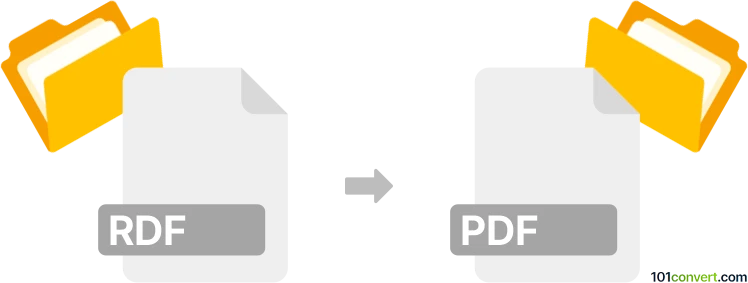
Convert RDF to PDF
How to convert RDF files to PDF for easy sharing and presentation using the best tools and methods.
Make PDF files online
We can't read RDF files yet, so this conversion isn't available. If you can export your work to one of these formats - or others - we'll turn it into PDF:
How to convert rdf to pdf file
- Internet
- No ratings yet.

101convert.com assistant bot
1yr
Understanding RDF and PDF file formats
RDF (Resource Description Framework) is a standard model for data interchange on the web, primarily used to represent information about resources in a structured, machine-readable way. RDF files are typically used in semantic web applications and are stored in XML, Turtle, or other serialization formats.
PDF (Portable Document Format) is a widely used file format developed by Adobe for presenting documents in a manner independent of application software, hardware, or operating systems. PDF files can contain text, images, and other data, and are ideal for sharing and printing documents.
Why convert RDF to PDF?
Converting an RDF file to PDF is useful when you need to present RDF data in a human-readable, printable format. This is often required for documentation, sharing, or archiving purposes.
How to convert RDF to PDF
Since RDF is a data format and PDF is a document format, the conversion process involves transforming the RDF data into a readable layout (such as a table or report) before exporting it as a PDF. Here are the steps:
- Open the RDF file using an RDF viewer or editor, such as Protégé or TopBraid Composer.
- Export or visualize the RDF data in a human-readable format (e.g., as a table or graph).
- Save or print the visualization as a PDF. Most tools allow you to use the File → Print or File → Export → PDF option.
Best software for RDF to PDF conversion
- Protégé: A free, open-source ontology editor that can open RDF files and export visualizations. Use File → Print and select a PDF printer, or export the visualization and use a PDF creator.
- TopBraid Composer: A professional RDF editor with export options. Use File → Export and choose a suitable format, then convert to PDF if needed.
- Online converters: While there are few direct RDF to PDF converters, you can use online RDF viewers to display the data, then print to PDF using your browser's Print → Save as PDF feature.
Tips for effective conversion
- Format your RDF data for readability before exporting.
- Use visualization tools to create tables or graphs for better presentation in PDF.
- Check the PDF output to ensure all relevant data is included and legible.
Note: This rdf to pdf conversion record is incomplete, must be verified, and may contain inaccuracies. Please vote below whether you found this information helpful or not.